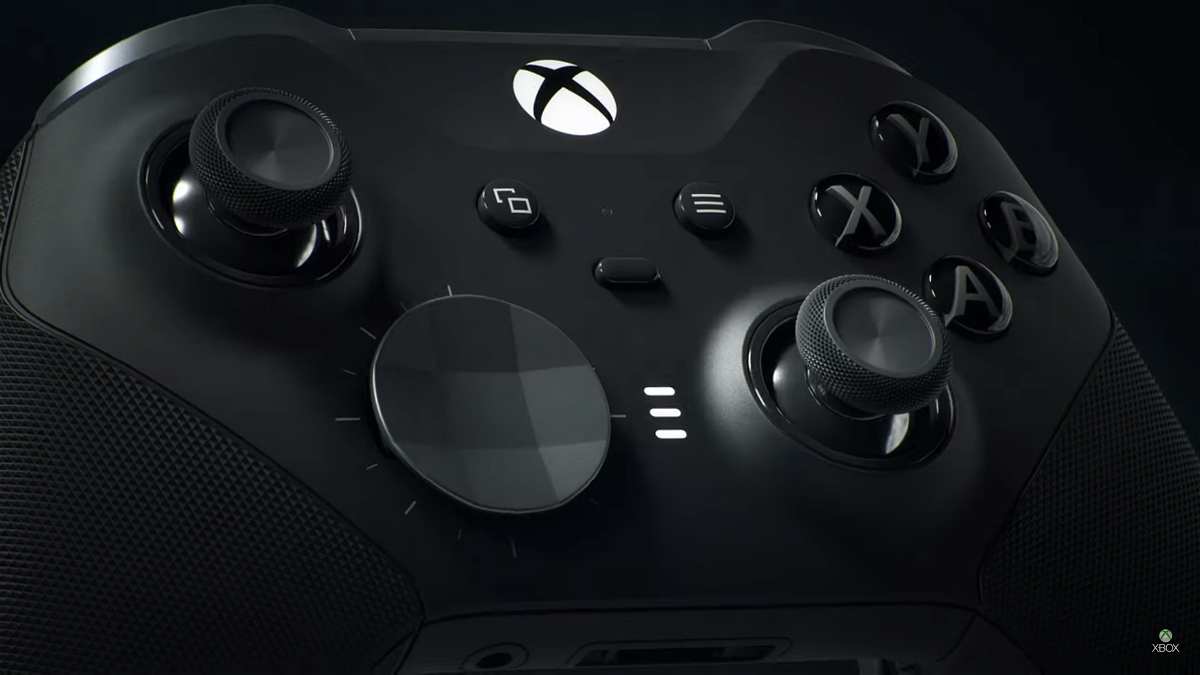
Connect Apple Airpods to Xbox One instead of expensive gaming headphones! During gaming, headphones are essential for proper immersion. However, the high price of games and peripherals makes it difficult for everyone to possess good headphones. While you may not have a good pair of gaming headphones, there may be another option that you can use.

Xbox One might have had some criticism earlier compared to Xbox 360, but here is one benefit! A recent revelation has made it known that Xbox One consoles can be paired with good old Apple AirPods and fans are elated to learn the little secret.
Watch What’s Trending Now!
Xbox App to connect AirPods to Xbox One
AirPods use Bluetooth connectivity to connect with other devices like every true wireless earbuds. However, the Xbox One does not natively support Bluetooth audio, making it difficult to connect the console with Apple AirPods. Instead, users can fall back on Xbox Wireless, the console’s proprietary wireless technology. Hence, you’ll mostly have to use any third-party device or software to get your AirPods to work on your Xbox One.

Using the Xbox mobile app, you can link the Xbox One with AirPods. While the Xbox mobile app, called Xbox Companion, was initially developed to stream games on mobile devices, the app can also benefit users in more ways. Using your mobile device as an audio passthrough, you can stream gameplay to your AirPods as well. However, using this method, you can’t use the AirPod’s microphone.
Steps to connect Xbox One to Apple AirPod using the Xbox Mobile app –
- Tap the Xbox button on your Xbox One controller.
- Head over to the Profile & System tab and select Settings.
- Go to Devices & Connections.
- Enable Remote Features.
- Connect your AirPods to your phone.
- Open Xbox Companion and log in using the same account as on your Xbox One console.
- Then choose the Remote Play option on the top right.
That’s all for this method. At this point, your Xbox One should be seamlessly connected to your Apple AirPod.
Connecting AirPods with Xbox One via Bluetooth Adapter
Using a Bluetooth adapter dongle to connect your Xbox One to Apple AirPods can ensure reduced lag in audio. A 3.5 mm audio plug is essential in your adapter in case you’re going to use this method.
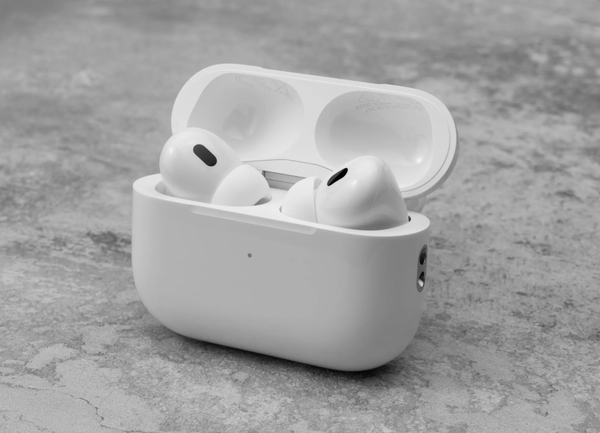
Steps to connect Xbox One to Apple AirPod using a Bluetooth Adapter –
- First turn on the Bluetooth adapter.
- Plug the dongle into the audio jack of the Xbox controller.
- Make sure to keep your AirPods in their case as you open the lid.
- Now, press and hold the Setup button on the back of the AirPod case to turn on pairing mode.
- Hold the AirPods close to the Bluetooth adapter.
- Press the pairing button on the adapter.
The AirPods will connect automatically to the Xbox One and the case will show a green light, meaning that the two devices are connected. While the connectivity options are great, you can only either choose to stream games on your AirPods or use the headphone’s microphone to chat with your squad at any time.
Read More: Will PS5 Earbuds Challenge Apple’s AirPods Pro 2?
So do you think you’ll be pairing your AirPods with your Xbox One? Tell us how you prefer to use your AirPods daily in the comments.
Watch This Story: Top 5 Most Played Antstream Arcade Games on Xbox
