The popular Japanese gaming giant, Nintendo, has introduced the latest system update in order to enhance the overall user experience. This system update is applicable to various models of Nintendo Switch like Switch Lite, Switch Family, and Switch OLED model. The devs launched this update on January 19, 2022 (Wednesday).


And according to the company’s customer support website, this update is called version 13.2.1. Apart from enhancing the user experience, this update is also aimed at improving the console’s system functionality. It’s likely that this latest update will make the console’s interface more user-friendly. Moreover, update 13.2.1 is available now and fans can download it via the internet.
Watch What’s Trending Now!
Apart from this update, the new installment to the Pokemon series is on its way named Pokémon Legends: Arceus. This game is all set to release on January 28, 2022. Last year, the devs also launched the stunning trailer of this game further boosting the fan’s excitement. However, this latest Nintendo update contributes more than a little to boost fans’ excitement about this upcoming brand new Pokemon game.

In order to install this update, the fans need to perform a system update on their respective gaming console. It’s likely that when connected to the internet, the gaming console will automatically begin to download this latest update. But just in case the device fails to automatically download the update, the fans can also manually install it via the system settings menu.
READ MORE: Battlefield 2042 Fans Remain Frustrated Despite DICE Delivering a Fresh Feature Update
Guide to perform a manual update on Nintendo Switch
To perform a manual update, the fans just need to open the “HOME Menu”, followed by selecting the “System Setting”. Upon selecting the System Setting, one needs to scroll down the menu and select “System”. And at last, you will need to select the “System Update” option and just then the device will start installing the latest update. One thing to note here is the fans will need to have an internet connection for installing this update.
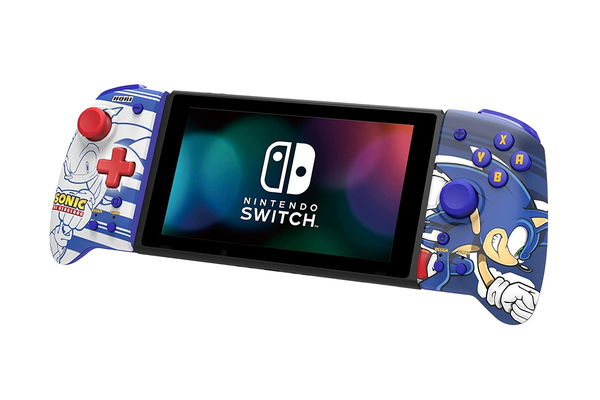
Moreover, players can also check the current version of their Nintendo Switch’s system menu. They just need to select “System Settings” from the HOME Menu. Then select “System”. And under the “System Update” option, you will be able to see the current system menu of the device. Know more about it here.
Watch Story: Most Hated Features of Fortnite Chapter 2
Comment down and share your views on this.
