
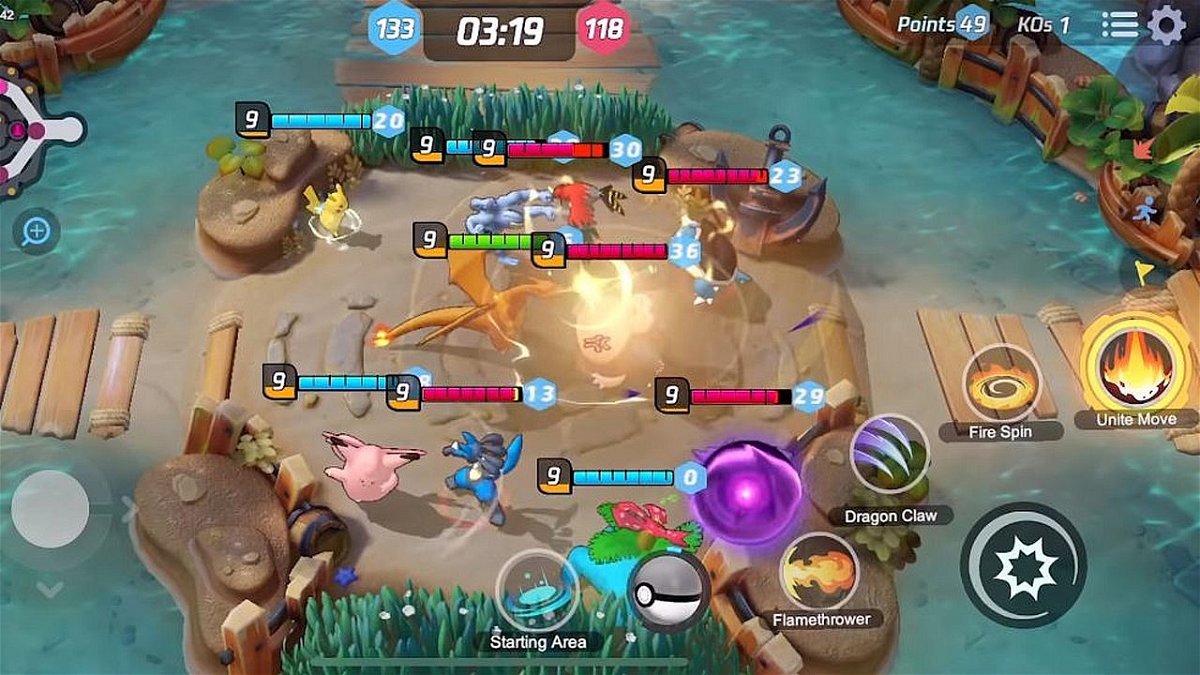
Settings are a huge part of any game and tweaking them can either improve gameplay or make it worse. Now that Pokemon Unite is out, players have been trying to tweak the settings to get the best results. While some have succeeded in their quest, others have failed. Luckily, there are plenty of tutorial videos that show you how to get everything right so you can get the best experience the game can offer.
Watch What’s Trending Now!
Here’s what you should do in the settings menu to better the experience.
Pokemon Unite settings: what you should do
First up are the system settings. Go to settings, and access the page for system settings. Here, ensure Frame Rate is set to high. If the Frame Rate is not set to high, you’ll get lower frame rates, and that is never ideal. Everything else, you can decide to leave as is.
Watch this story: Best Warzone Snipers
Next up are the Control Settings. Lock-on priority can be changed (or not) according to need. While the default setting might be slightly dubious. Control Settings must be set to advanced. If this isn’t done, players won’t get to use two different buttons, one for attacking nearby opposing Pokemon and the other for attacking nearby wild Pokemon.
Just below the attack Control Settings is the setting for Automatic Basic Attacks. This needs to be off for players to have more control over their basic attacks.
Next is the Boosted Attack Gauge. This one, players will want on since it helps to realize when a boosted attack can be used.
Lock-on icon will also be on since it allows players to selectively target certain opposing Pokemon. And the increase in optionality can be utilized strategically.
The last two settings in this section, In-motion Pursuit Mode Distance and In-Motion Pursuit Mode, will be set to standard and off, respectively. Then comes Scoring Controls, which should be set to “press”. And Move Aim Snaps to Target should be turned off. Camera sensitivity should be maxed out for both settings, Minimap Hidden as well as Minimap Shown.
With the Aim-assist settings, players might want to try all three settings before deciding on one. And the same goes for key bindings. Play the game, swap some keys around, and see what works for you.
These are some of the things you should do before dedicating yourself to the cause of being the best in Pokemon Unite.